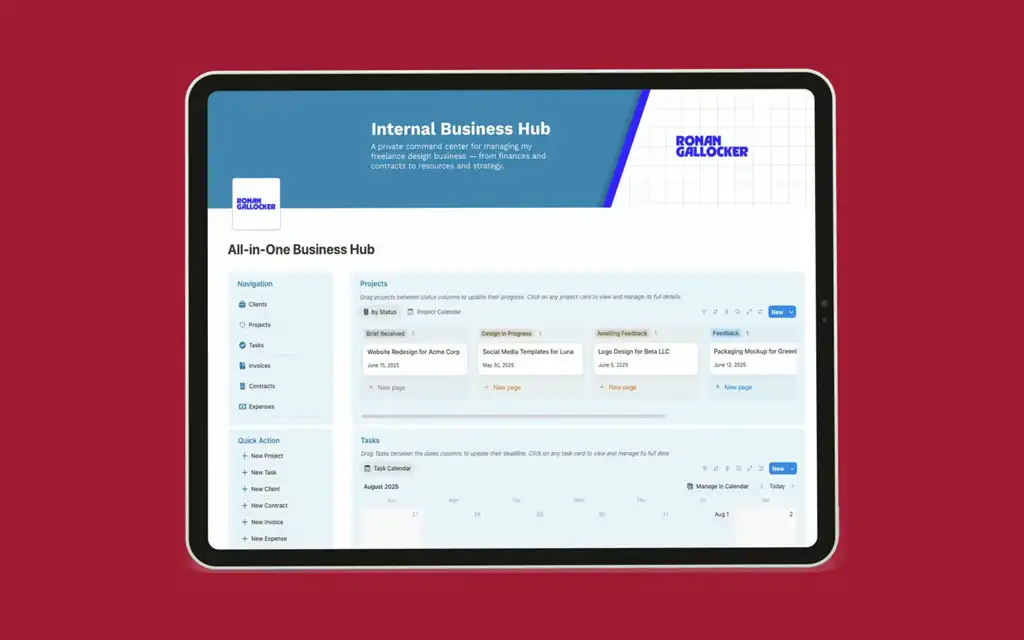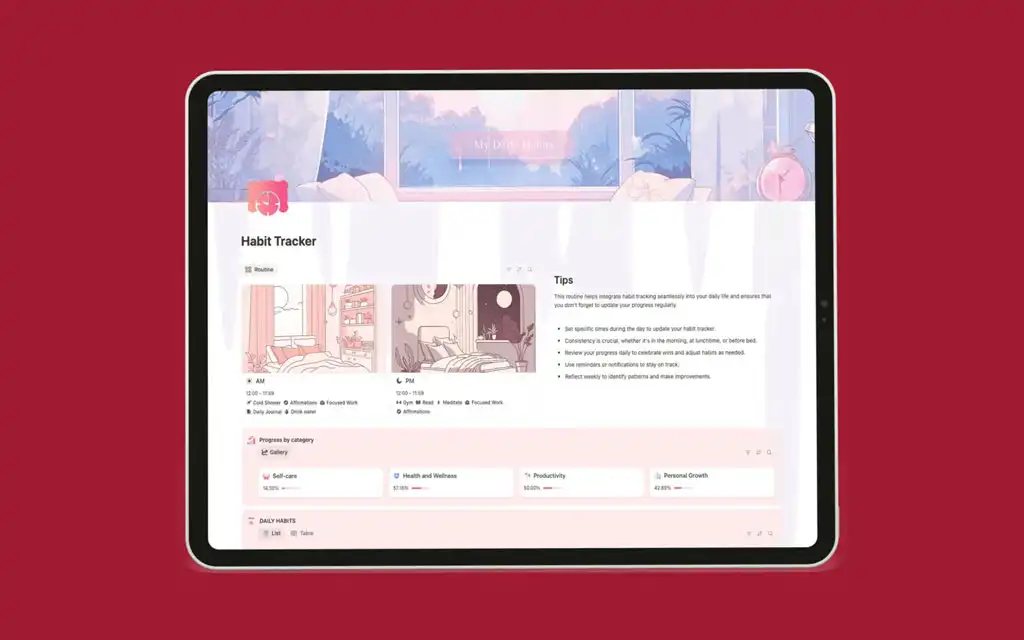
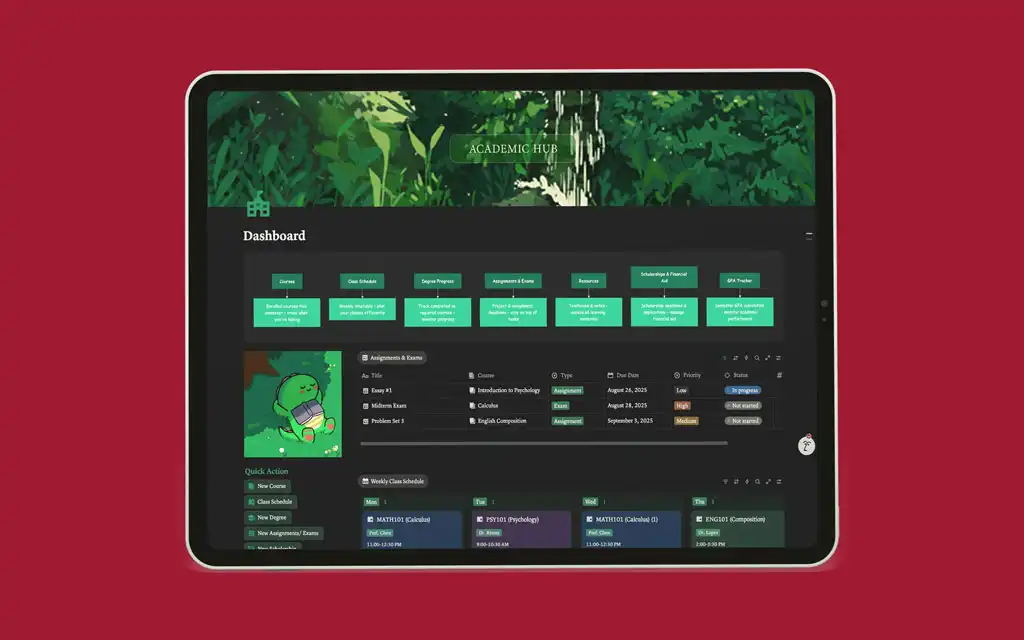
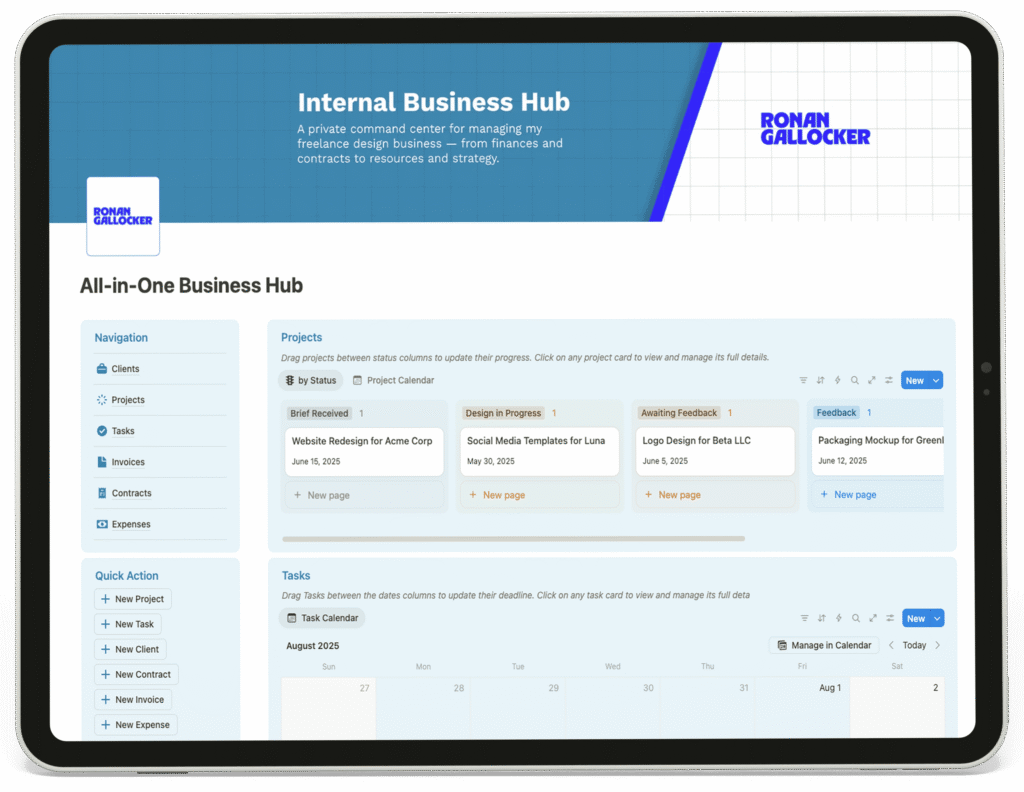









The central dashboard of the agency's Notion operating system.

Project Overview

Project Info

Client: Ronan Gallocker

Type: Custom Notion Operating System for a Design Agency

Timeline: 23 May 2025 – 06 Jun 2025


The client is a design agency managing multiple clients and complex projects. They needed a unified operating system to replace disparate tools and bring their entire workflow—from client onboarding to final delivery and invoicing—into a single, scalable platform. The scope of this custom Notion system was to create a central command hub for the entire agency, encompassing client management, project tracking, financial oversight, and team task coordination.

Client Challenges

Before this system, the agency struggled with operational silos. Project information was disconnected from contracts, invoicing was a manual process separate from project completion, and task management was not integrated with overall project timelines. This fragmented setup led to communication gaps, potential deadline oversights, inefficient financial tracking, and a lack of a standardized process for client interactions and deliverables.

Goals

The primary goal was to build an integrated agency management system that would improve operational efficiency, provide real-time visibility into all active work, and ensure a professional, consistent client experience. The agency needed to seamlessly track multiple concurrent projects, manage team tasks and deadlines, monitor cash flow, and maintain all client agreements in one accessible location.

Requirements

The system required several core components: a central agency Dashboard for a high-level overview, a master Projects database with status tracking, a team Tasks database with calendar views, a Contracts repository, an Invoices tracker, an Expenses log, and branded Client Portals for communication and file delivery. A critical requirement was that all these databases be intrinsically linked, ensuring data consistency and automated updates across the entire agency workflow.

Design Steps

Home Dashboard

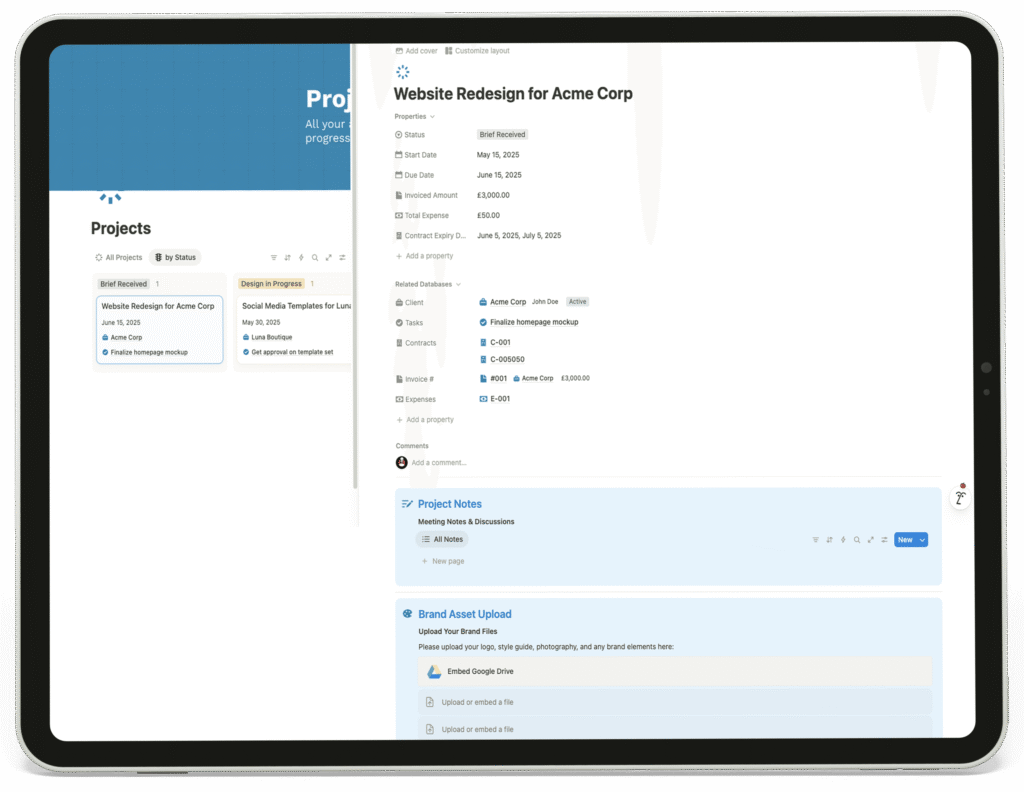
The “Internal Business Hub” serves as the agency’s command center. It features intuitive navigation to all major operational sections. The dashboard provides an immediate visual overview of all active projects through a Kanban board, allowing the team to drag and drop projects through stages like “Brief Received” and “Design in Progress.” A Quick Action bar enables staff to instantly create new projects, tasks, clients, contracts, invoices, or expenses. This central layout connects all facets of the agency’s operations, providing clarity and streamlining daily workflows.

1

The central dashboard of the agency's Notion operating system.
The main Projects dashboard for tracking all agency client work and deliverables.

Projects

This page acts as the central operational database for all client work. Each project has a dedicated page that consolidates all relevant information, including status, linked contracts and invoices, client feedback sections, brand asset uploads, and final deliverable access. This structure provides a single source of truth for every project, eliminating confusion and ensuring all team members and clients are aligned.

2

Tasks

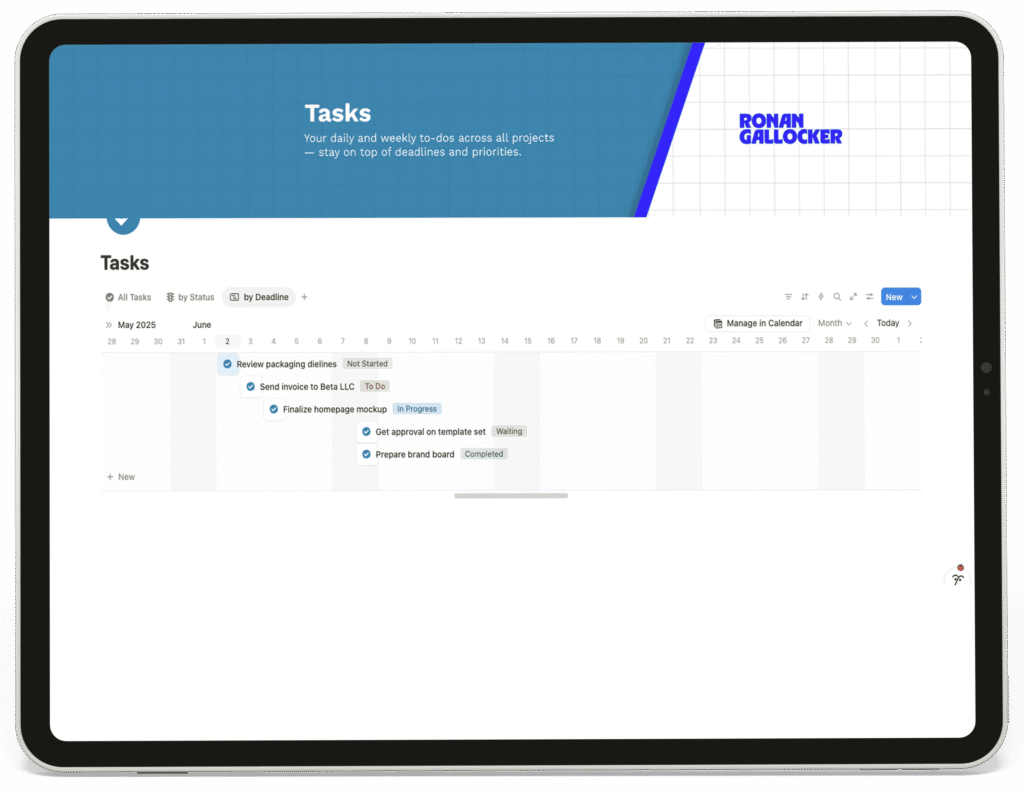
Designed for team coordination and deadline management, this page offers multiple views including a status board and a calendar. The ability to drag tasks between dates and status columns makes resource planning intuitive and keeps the entire team aware of priorities and deadlines across all projects.

3

The agency's task management system with calendar and status views.
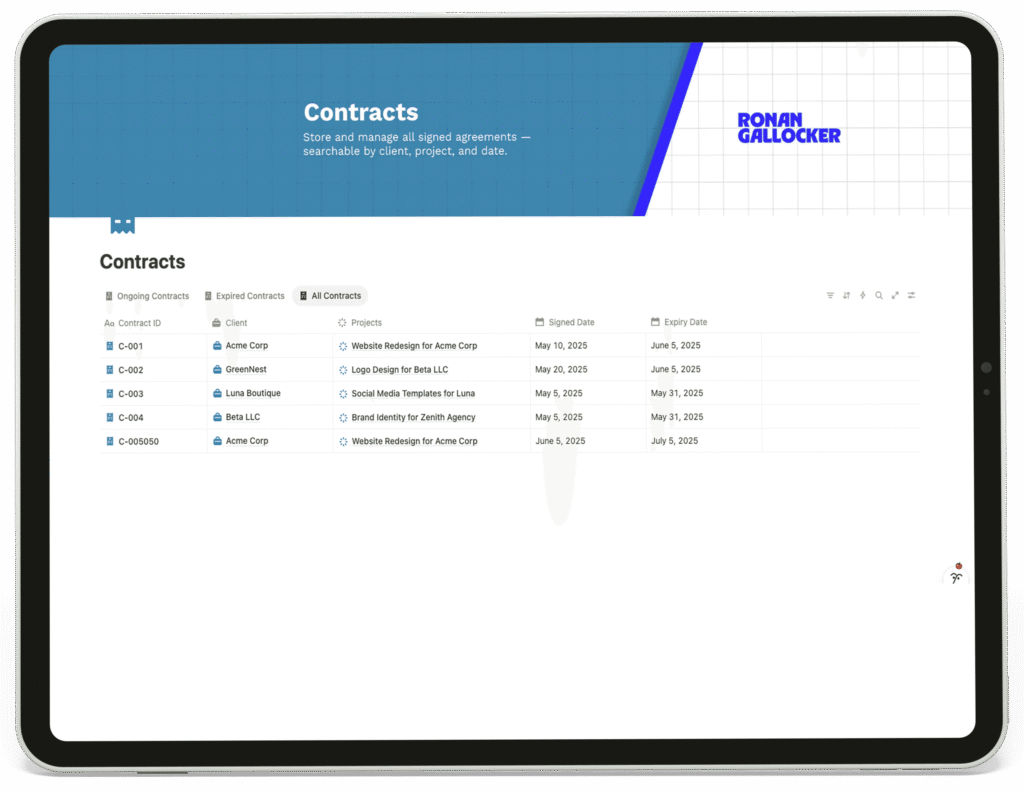
The Contracts database in the agency's Notion system, showing active and expired agreements.

Contracts

This database serves as the centralized repository for all client agreements. It is fully searchable and filterable, with clear fields for client, project, and key dates. Linking each contract directly to its project ensures that contractual terms and deadlines are always accessible in context.

4

Invoices

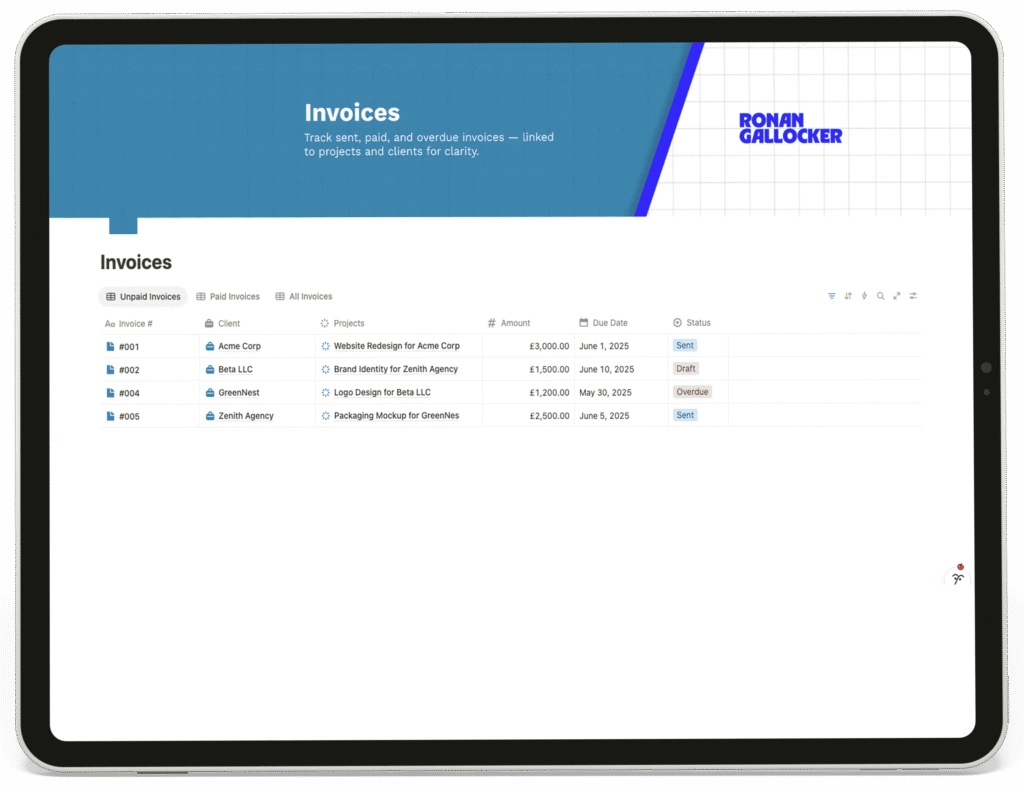
This page provides comprehensive financial oversight for the agency. It tracks the entire billing lifecycle from Draft to Paid, linking each invoice directly to a specific project and client. This allows for instant financial status checks on any engagement and streamlined accounts receivable management.

5

The Invoices database tracking all agency billing and payments.
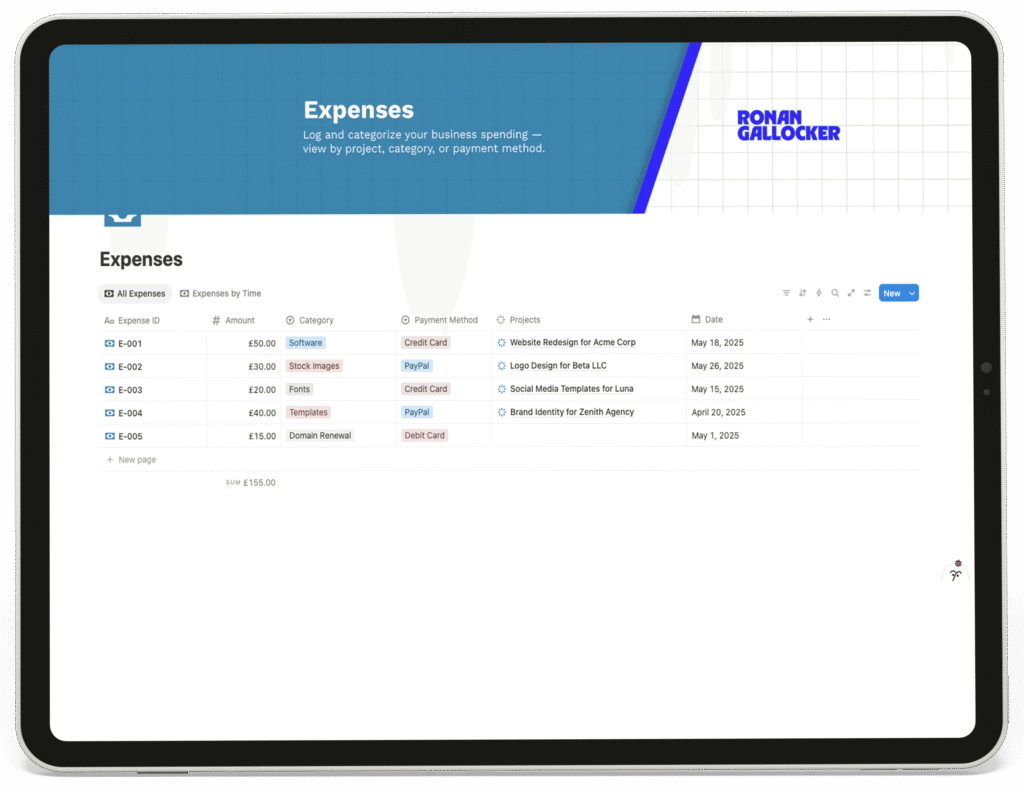
The agency's expense tracking system categorized by project and client.

Expenses

This log enables precise tracking of all agency expenditures. Each expense is categorized and linked to a specific project, facilitating accurate project costing and profitability analysis. The system simplifies accounting and financial reporting for the agency.

6

Clients

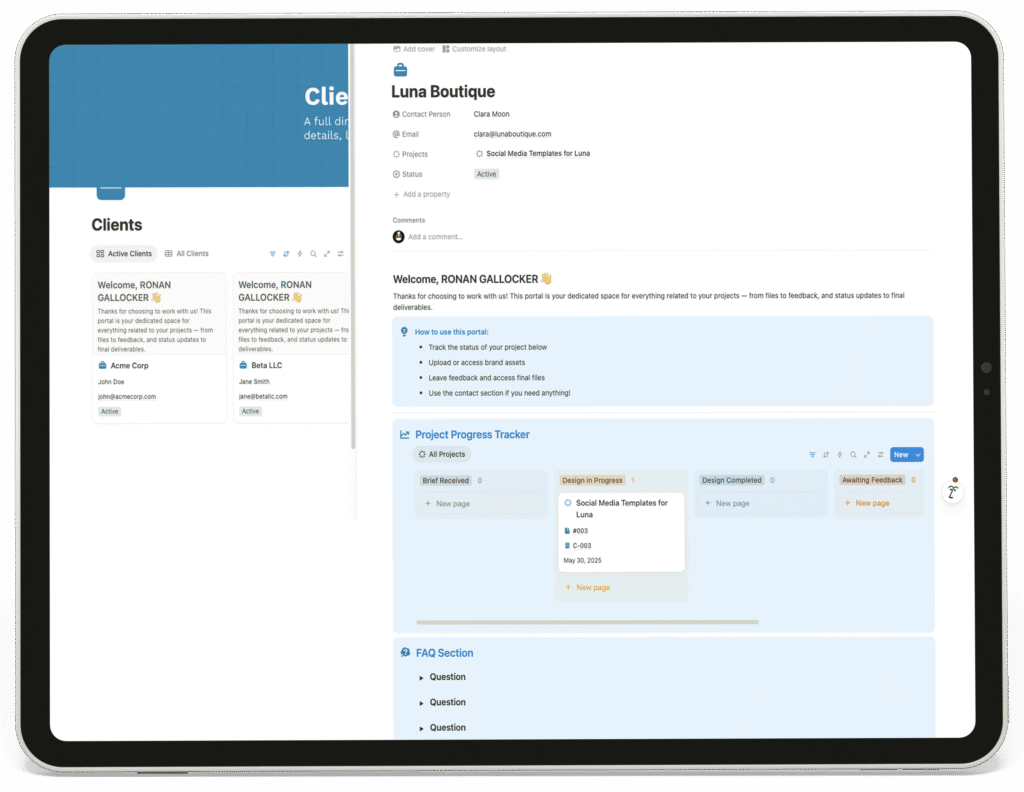
This section functions as both an internal client relationship management (CRM) directory and an external-facing client portal. It provides a professional, branded space for each client to view project progress, access assets, and provide feedback, enhancing communication and transparency.

7

A client portal interface for agency client communications and asset sharing.

Tools Used

Optimized For

I couldn't recommend them more – they went above and beyond to help me build the perfect Notion site for my business. From start to finish, they were incredibly helpful, taking the time to explain how everything works through clear, easy-to-follow videos. They made sure every detail was just right before wrapping up, and their support and dedication really made the whole experience seamless.

Ronan Gallocker
Senior Graphic Designer | United Kingdom

for exploring the entire case study. If you’d like to build something similar, feel free to DM me or submit your project requirements.

I’ll respond as soon as possible.